

An in-depth look at WordPress security issues every business owner should know — from bot attacks and hackers to the most common attack vectors and their serious impact on your business.
If you own a business with a WordPress website, you may not realize that every single second, bots and hackers are attempting to breach your system around the clock. Whether your site is a small business, an online store, or even a personal website — it's already a target.
An Old Problem That Still Has No Fix
WordPress is the most popular content management system (CMS) in the world, powering over 40% of all websites on the internet. But this popularity is a double-edged sword — the more people use it, the more hackers and bots target it.
This problem isn't new. It has existed since WordPress first gained popularity, and today it's only getting worse as the number of automated bots and attack tools continues to grow.
Who Are the Attackers?
Automated Bots
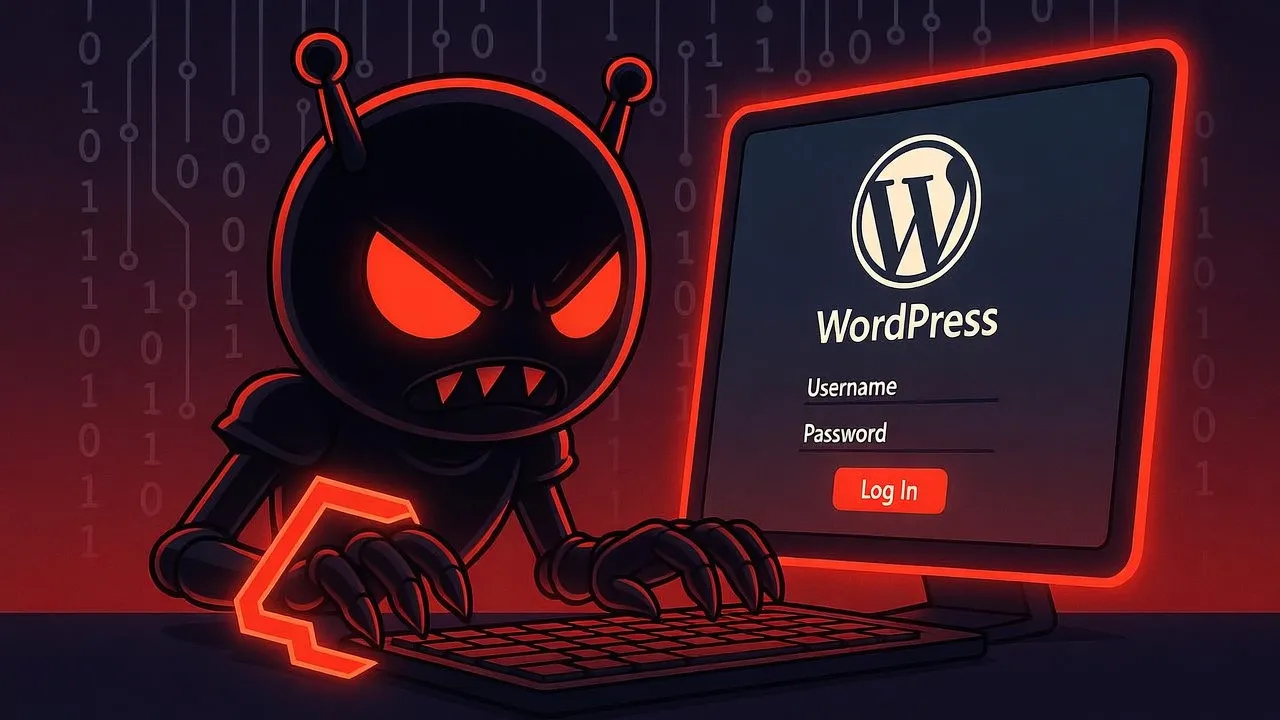
Bots are automated programs built to scan WordPress websites across the globe. They operate 24/7, never taking a break, with the primary objectives of:
Scanning for vulnerabilities: Checking whether your site runs an outdated version of WordPress, has plugins with known vulnerabilities, or uses themes with security flaws.
Brute Force attacks: Repeatedly guessing login credentials using lists of millions of commonly used passwords.
XML-RPC attacks: Sending thousands of requests per minute to guess passwords or crash your server.
Injecting Spam and Malware: Once they gain access, bots plant spam links, malicious code, or redirect your visitors to dangerous websites.
Human Hackers
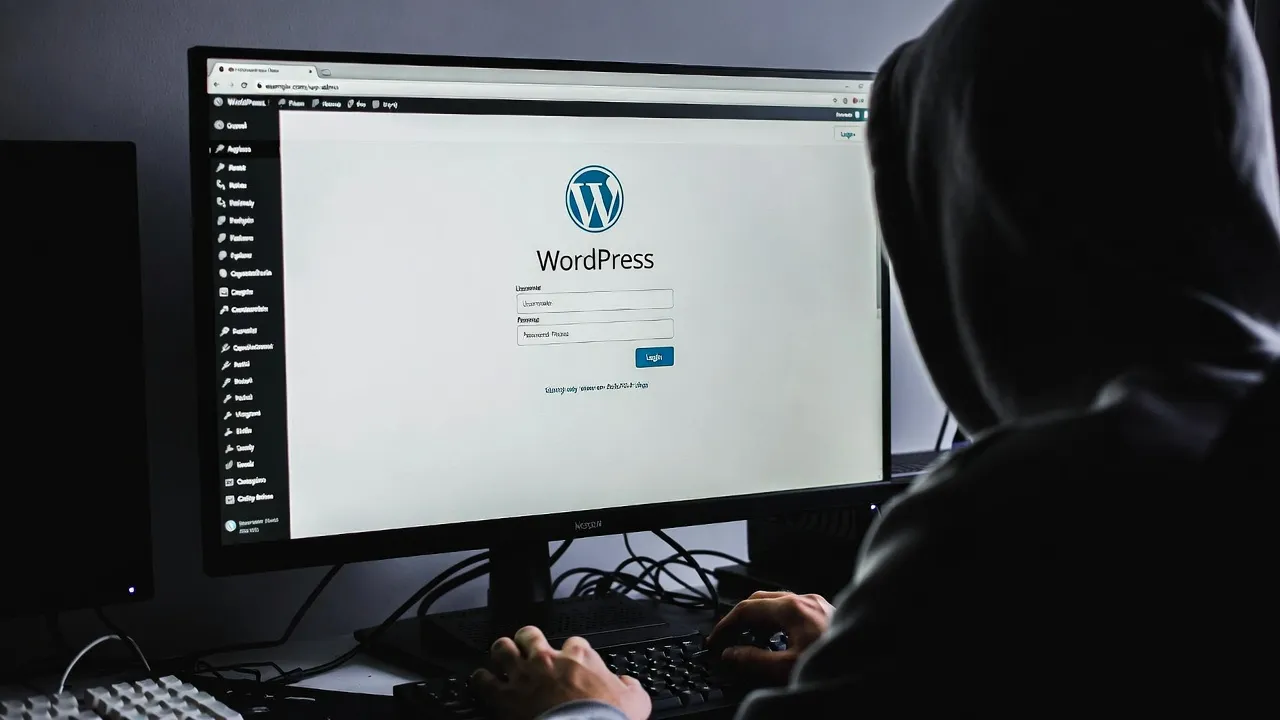
Beyond bots, there are real human hackers who specifically target high-value websites, such as:
E-commerce sites: To steal customer credit card information.
High-traffic websites: To inject ads or malware.
Business websites: To demand ransom (Ransomware).
Sites with customer data: To steal emails, phone numbers, and addresses.
The Most Popular Attack Vectors
Login Page (/wp-admin, /wp-login.php)
Every WordPress website has its login page at the exact same URL — /wp-admin or /wp-login.php. This is the single biggest weakness, because hackers know exactly where to attack.
XML-RPC API (/xmlrpc.php)
XML-RPC is a legacy feature that has become one of the most popular attack vectors because it allows multiple login attempts in a single request, can be exploited for DDoS attacks, and has no rate limiting by default.
From the log image above, you can see IPs from all over the world attempting to access /xmlrpc.php hundreds of times per day. This is what happens to every single WordPress website.
Plugins and Themes with Vulnerabilities
WordPress has over 60,000 plugins and tens of thousands of themes. The problem is that many plugins are developed by independent developers who may not fully understand security, and abandoned plugins still contain unpatched vulnerabilities.
Even popular plugins have had critical vulnerabilities — Elementor, WooCommerce, and Contact Form 7 to name a few. When a new vulnerability is discovered, bots immediately scan for websites running the affected plugin version.
The Business Impact When Your Website Gets Hacked
1. Loss of Trust and Customers
When customers visit your website and get redirected to a dangerous site or see suspicious content, their trust in your brand is instantly destroyed.
2. Google Blacklisting
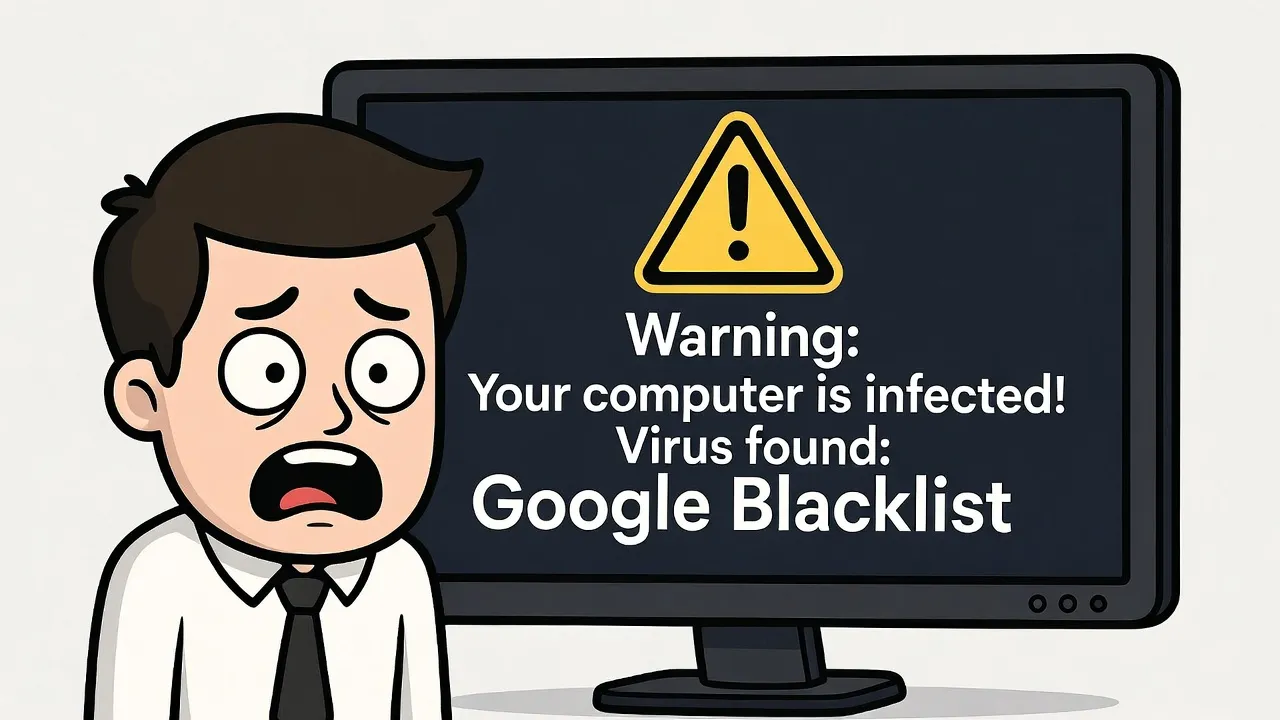
Google has a system that detects websites infected with malware. If your site is flagged, it will display a warning like "This site may be hacked," and your SEO rankings will drop immediately. Recovery can take weeks or even months.
3. Customer Data Breach
If your website stores customer information — names, emails, phone numbers, addresses, or payment data — all of this can be stolen and sold on the Dark Web.
You may face legal consequences under Thailand's PDPA (Personal Data Protection Act), with fines up to 5 million baht.
4. Your Website Gets Used to Attack Others
Once hackers take control of your website, they can use your server to send hundreds of thousands of spam emails, launch DDoS attacks against other websites, or mine cryptocurrency using your server resources.
5. Recovery Costs
Cleaning up a hacked website is not simple. You'll need to hire security experts, with costs starting at tens of thousands of baht. In some cases, the entire website needs to be rebuilt from scratch.
6. Ransomware
In severe cases, hackers may encrypt all files on your website and demand ransom. If you don't pay, all data is permanently lost — and even if you do pay, there's no guarantee you'll get your data back.
Why Is WordPress Such a Prime Target?
1. Open Source = Full Structure Exposed
WordPress is open source, meaning anyone can view the entire source code. Hackers can study its architecture in detail to find vulnerabilities.
2. Uniform Structure = Easy to Attack
Every WordPress website has the same structure:
Login page at /wp-admin
API at /wp-json
XML-RPC at /xmlrpc.php
Config file at /wp-config.php
Bots don't need to guess where to attack — every website is exactly the same.
3. Over-reliance on Plugins
Most WordPress websites have 10-30 plugins installed, each developed by different developers with different security standards. The more plugins you have, the higher the chance of having a vulnerability.
Conclusion
Website security is not optional — it's essential. If you're using WordPress, take security seriously. Keep everything updated to the latest version, use strong passwords, install security plugins, and back up your data regularly.
Being aware of these threats is the first step in protecting your business.
References
• W3Techs - Usage Statistics of WordPress
https://w3techs.com/technologies/details/cm-wordpress
• Sucuri - Hacked Website Threat Report
https://sucuri.net/reports/website-threat-report/
• Wordfence - WordPress Security Report
https://www.wordfence.com/threat-intel/
• WPScan - WordPress Vulnerability Database
https://wpscan.com/statistics/
• OWASP Top 10 Web Application Security Risks
https://owasp.org/www-project-top-ten/
• Google Safe Browsing - Site Status
https://transparencyreport.google.com/safe-browsing/overview
• Office of the Personal Data Protection Committee (PDPC)
https://www.pdpc.or.th/
• WordPress Developer Resources - Security
https://developer.wordpress.org/apis/security/
• CVE Details - WordPress Vulnerabilities
https://www.cvedetails.com/vendor/2337/Wordpress.html


